Windows 11 simplified and modernized the commandbar but how?
Since Windows 8 introduced the Ribbon in the Explorer, it has lasted for roughly 10 years until Windows 11 replaced it with the WinUI based command bar. It was first WinUI 2 XAML Islands but it became WinUI 3 XAML Islands in Windows 11 22H2. The XAML Islands enables developers to put the modern WinUI framework elements on a win32 HWND, but how they use it in the Explorer, where most of the implementation goes in the old and legacy ExplorerFrame.dll? Does Windows ship that UI part in another dll or even packaged in another package?
TL;DR
As always, look at ExplorerFrame.dll
Since ExplorerFrame owns most of Explorer's UI and command routing infrastructure, it's the natural place to start.
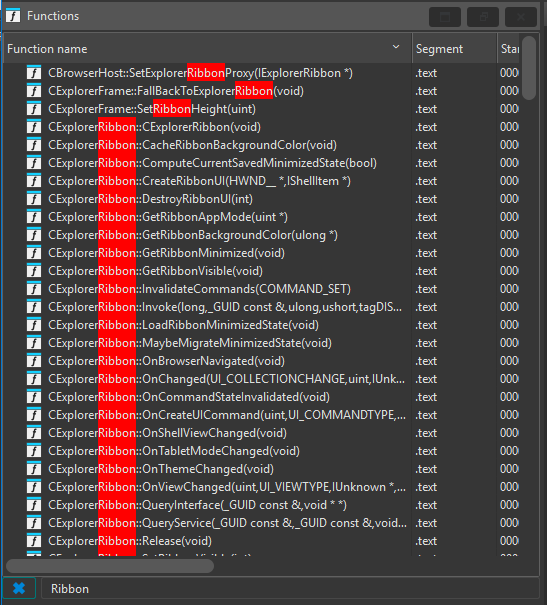
There's the creation method in the CShellBrowser class but it has this code path:
if (IsTabsAvailable && !IsControlPanelProcess)
{
    if (IsXamlIslandAvailable)
    {
        return;
    }

    // ...
}
else
{
    // ...
}
When the tabbing is available, the process is not a control panel process, the XAML islands is available, it skips the creation of the ribbon. Otherwise, CreateExplorerRibbon creates the ribbon.
So, where's the modern code path?

But let's take a deeper look at CExplorerFrame. It has a bunch of methods but first we'll gonna take a look at CExplorerFrame::_OnCreate.